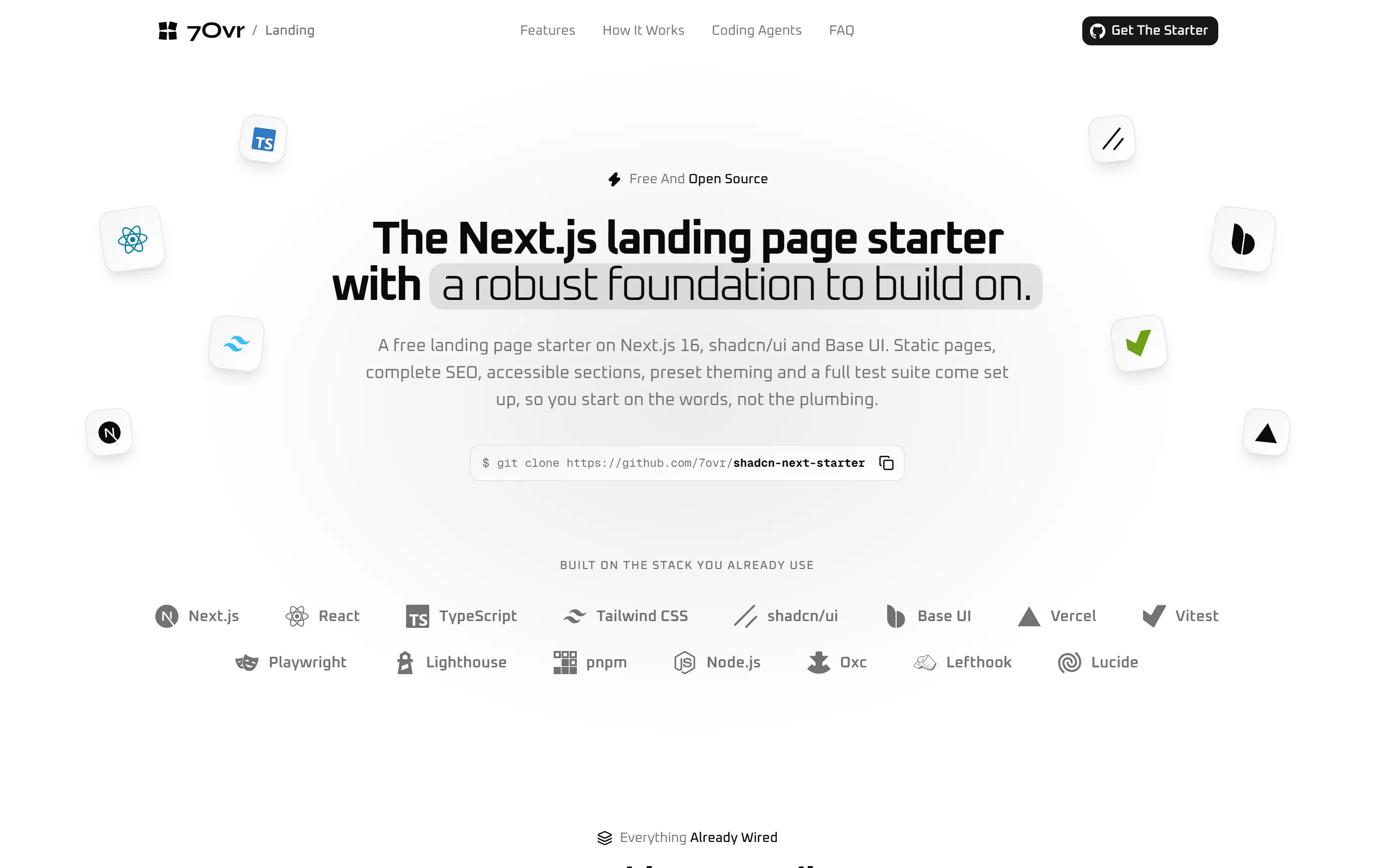
For a public site that has to rank: a product page, a launch, a portfolio.
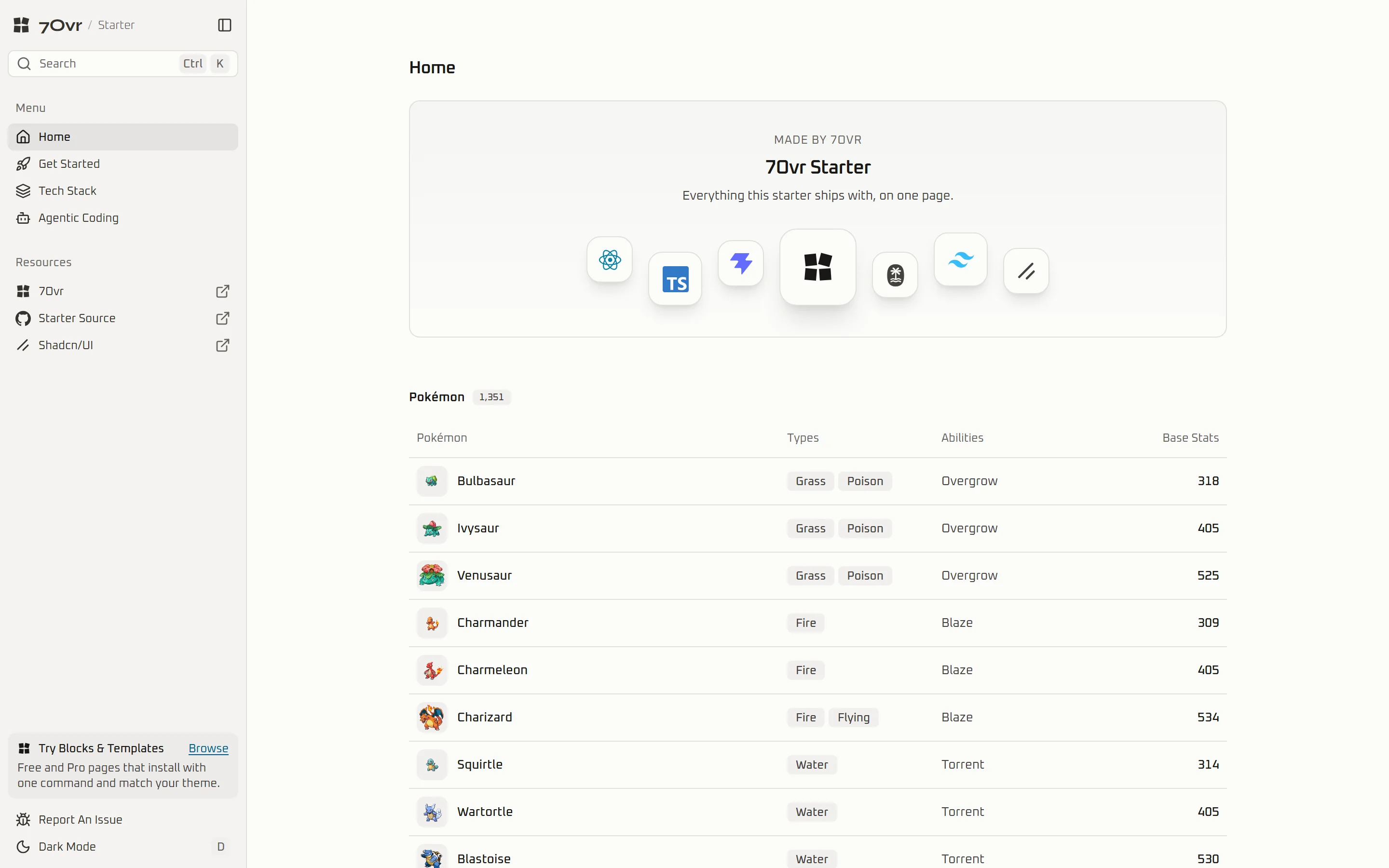
For a product people sign in to: a dashboard, an internal tool, a SaaS frontend.
Where they differ.
Read the DocsFrom the README of each repository; everything else is the same. Once you have cloned one, the docs show how to add blocks and whole template pages to it.
Both ship
- React 19
- shadcn/ui
- Base UI
- Tailwind CSS v4
- TypeScript 7
| Aspect | Next.js Landing Starter | Vite App Starter |
|---|---|---|
| Built for | A public site that has to be found | An app people log into |
| Framework | Next.js 16, every route prerendered | Vite 8, client-side |
| Routing and data | Static pages, copy in typed files | TanStack Router and Query |
| Forms and tables | None, the site is static | TanStack Form with Zod, TanStack Table |
| SEO | Metadata, JSON-LD and sitemap, all tested | None, it is not a public site |
| Tests | Vitest, Playwright, Lighthouse CI | Vitest, Testing Library |
| Deploy | Vercel in one click, or any Node host | Any static host |
Common questions.
What people ask before they clone a starter.
The Next.js Landing Starter for a public marketing site that needs to rank: every page is prerendered and the SEO is tested. The Vite App Starter for a product people log into: it ships an app shell, data fetching, forms and tables, and runs against any backend.
A starter is a whole project: the build setup, routing, tests, linting and a first screen, for when there is no repository yet. A template is one complete page, such as a landing page or a dashboard, installed into a project you already have. A block is one section, such as a hero or a pricing table. They stack: clone a starter, add a template as its first page, then add blocks as the product grows.
Node 24 or newer and pnpm 12 or newer. Clone the repository, or press Use this template on GitHub, then run
pnpm install and pnpm dev. Installing also sets up the Git hooks that format and lint your changes on commit.Yes. Both are MIT licensed, so you can use them for client work and commercial products. Free 7Ovr blocks you add to them are MIT-0.
No. Both have the
@7ovr and @7ovr-pro registries configured in components.json, so free blocks install with no setup and Pro blocks install once your license key is set as REGISTRY_TOKEN.No. They are ordinary shadcn/ui projects on Base UI. Any shadcn component or registry item installs into them the usual way.